

Printers are an essential part of both home and office environments, supporting everything from basic document printing to more demanding daily workflows. While most users focus on features, speed, or output quality when choosing a device, maintenance is an equally important aspect that often goes unnoticed. Different printer types are built using different technologies, and each comes with its own set of maintenance requirements. Understanding these differences can help users avoid common issues, reduce downtime, and maintain consistent performance over time.
Proper maintenance is not just about fixing problems when they arise—it is about preventing them. Whether it is ensuring smooth ink flow, keeping internal components clean, or managing wear and tear from regular usage, each printer type requires a specific approach. Recognizing how maintenance needs vary allows users to take better care of their devices and make more informed decisions in the long run.
Printer maintenance varies because each type of device uses a different method to produce output. Ink-based printers rely on liquid ink being pushed through tiny nozzles, while laser and LED printers use toner powder and heat-based processes. These fundamental differences directly impact how often maintenance is required and what kind of attention the device needs.
Usage patterns also play a major role. A printer used occasionally at home will have different maintenance needs compared to one handling high volumes of work in an office setting. Similarly, environmental conditions such as dust levels, humidity, and temperature can influence how quickly certain components wear out or require cleaning.
In addition, modern printers often include multiple features such as scanning, copying, and wireless connectivity. While these features improve functionality, they also introduce additional elements that may require periodic care. By understanding these factors, users can better manage their devices and ensure that performance remains stable over time.
Ink-based printers are widely used for their ability to produce detailed and color-rich output. However, they require consistent maintenance due to the nature of liquid ink. One of the most common issues is printhead clogging, which can occur when the printer is not used frequently. Dried ink can block the nozzles, leading to faded prints or missing lines.
To prevent this, regular usage is recommended, even if it is just a few pages periodically. Most devices also include automatic cleaning cycles that help maintain proper ink flow. Keeping cartridges properly installed and ensuring they are not exposed to air for extended periods can also help reduce maintenance-related issues.
Laser printers generally require less frequent maintenance compared to ink-based systems, but they still depend on several internal components working together. These include toner cartridges, drums, and rollers, all of which play a role in transferring toner onto paper.
Over time, these parts can wear down or accumulate dust, which may affect print quality. For example, worn rollers can lead to paper feeding issues, while a used drum may result in inconsistent output. Periodic inspection and timely replacement of such components help maintain stable performance. Keeping the interior of the printer clean also reduces the chances of dust interfering with the printing process.
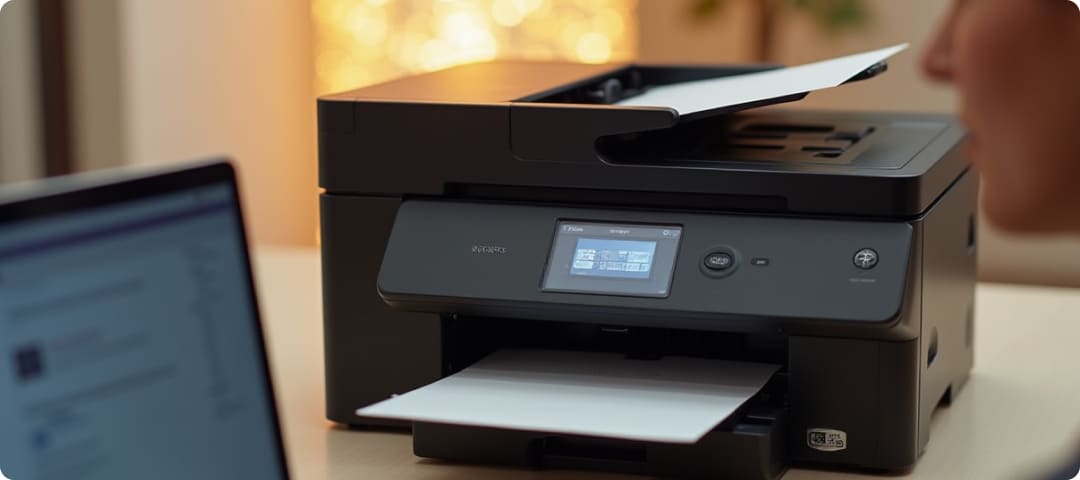
All-in-one printers are designed to handle multiple functions, including printing, scanning, and copying. While this adds convenience, it also means that maintenance is not limited to just the printing mechanism. The scanner glass, document feeders, and moving parts all require attention to ensure smooth operation.
Dust or smudges on the scanner surface can affect scan quality, while worn feeder rollers may cause issues when handling multiple pages. Regular cleaning of external surfaces and occasional checks on internal components can help maintain the overall functionality of these devices. Since they serve multiple purposes, a balanced maintenance routine is important.
Printers designed for high-volume usage are built to handle continuous workloads, but this also means they experience more wear over time. Components such as rollers, fusers, and internal mechanisms are used more frequently and may require periodic servicing based on usage levels.
Many such devices are designed with maintenance cycles in mind, where certain parts need attention after a specific number of pages. Following these recommended intervals helps prevent unexpected interruptions and ensures that the printer continues to operate efficiently. Regular monitoring of performance can also help identify early signs of wear.
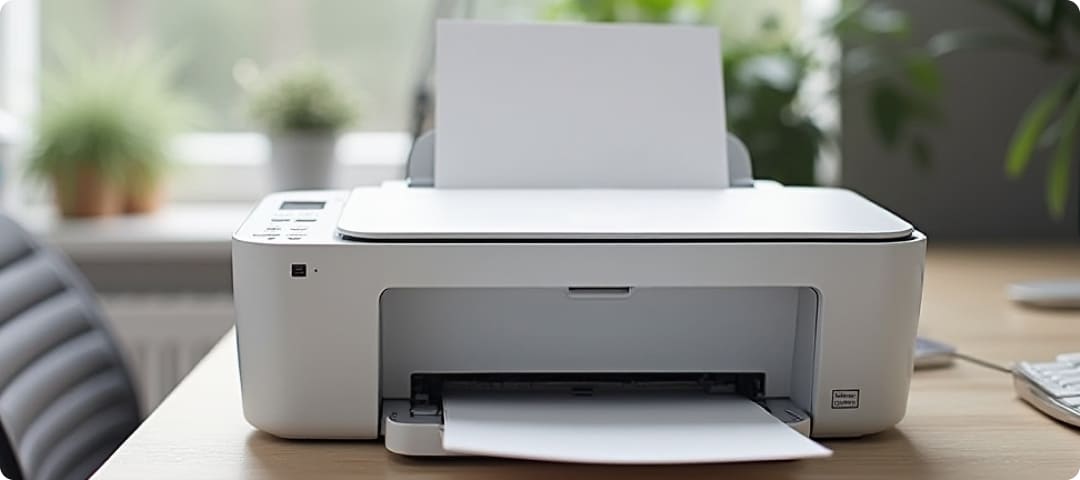
Compact printers are often chosen for their space-saving design and ease of use. However, their smaller size means that components are more tightly arranged, which can make them sensitive to external factors such as dust and placement conditions.
These devices benefit from being placed in clean, stable environments where they are less likely to be exposed to particles or accidental damage. While they may not require extensive maintenance, simple practices such as keeping them covered when not in use and avoiding overcrowded spaces can help maintain their functionality over time.
Regardless of the type of printer, the surrounding environment plays a significant role in determining maintenance needs. Devices placed in dusty or humid conditions may require more frequent cleaning, while those kept in controlled environments tend to perform more consistently with less effort.
Temperature fluctuations can also affect components, particularly in devices that rely on heat-based processes. Ensuring proper ventilation and avoiding exposure to extreme conditions can help reduce the likelihood of maintenance-related issues. A stable environment supports longer device life and more reliable performance.
Maintenance requirements can vary widely depending on the type of printer and how it is used. By understanding these differences, users can adopt maintenance practices that are better suited to their specific device. This not only helps in maintaining consistent print quality but also reduces the chances of unexpected issues.
A thoughtful approach to maintenance, based on usage, environment, and printer type, can contribute to a more reliable and efficient printing experience. Rather than treating maintenance as an occasional task, integrating it into regular usage habits can make a noticeable difference in long-term performance.