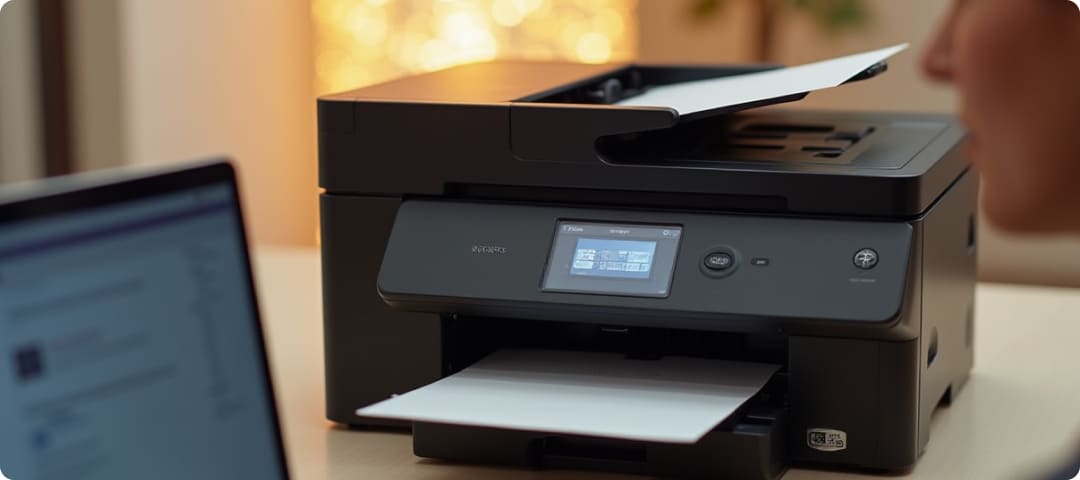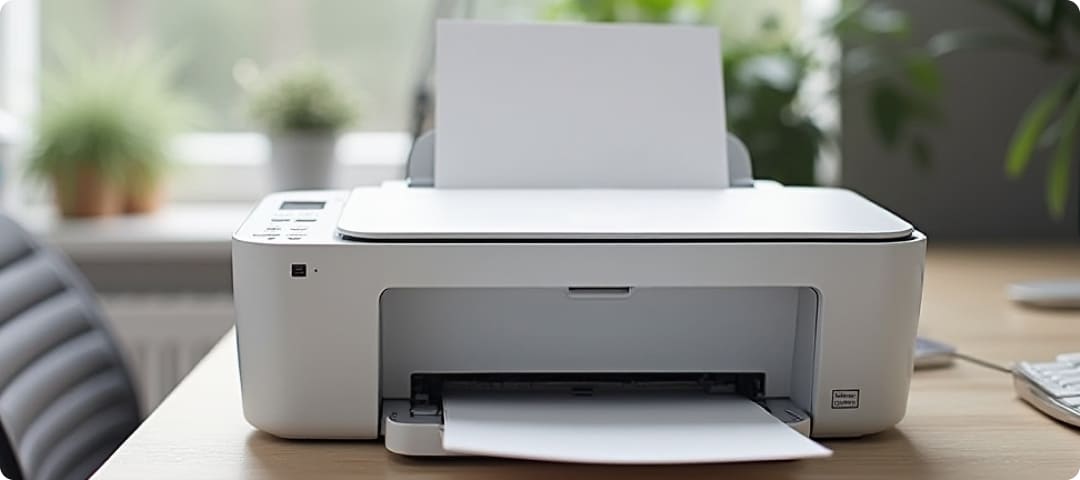


Modern printing has evolved far beyond the traditional setup of connecting a single device to a computer. Today, printers are expected to function as part of a connected environment where multiple users, devices, and workflows interact seamlessly. From home users printing occasional documents to offices managing regular workloads, connectivity plays a central role in how efficiently a printer can be used.
The type of connectivity a printer supports directly affects how easily it integrates with other devices, how accessible it is to multiple users, and how flexible it becomes in day-to-day usage. Choosing the right connectivity option is not just about convenience; it influences productivity, ease of operation, and long-term usability. Understanding these options helps users select a printer that aligns with their specific environment and requirements.
Connectivity defines the way a printer communicates with other devices such as desktops, laptops, smartphones, and tablets. It determines whether printing can be limited to a single workstation or extended across a network for shared access. In many cases, the right connectivity option can simplify workflows and reduce the effort required to manage printing tasks.
For instance, a simple wired connection may be sufficient for individual use, while a shared workspace may require a printer that can connect to multiple devices at once. Similarly, users who frequently print from mobile devices may benefit from wireless or cloud-based connectivity. These differences highlight the importance of understanding how connectivity options impact compatibility with devices and how they shape the overall user experience.
Another important aspect is adaptability. As work habits continue to change, printers with flexible connectivity options are better equipped to support new requirements. Whether it is remote access, mobile printing, or shared usage, the right connectivity ensures that the printer remains relevant and efficient over time.
USB connectivity remains one of the most common and straightforward methods of connecting a printer. It involves a direct physical link between the printer and a single device, usually a computer. This type of connection is easy to set up and provides stable performance, making it suitable for users who prefer a simple, dedicated setup.
However, USB connections limit the printer’s accessibility. Since the printer is tied to one device, it cannot be easily shared across multiple users without additional configuration. This makes it less suitable for environments where multiple devices need to access the printer regularly.
Wi-Fi connectivity allows printers to connect to a wireless network, enabling multiple devices to access them without physical cables. This is particularly useful in homes and small offices where users may need to print from different devices such as laptops, tablets, or smartphones.
Wireless connectivity offers flexibility by allowing users to send print jobs from different locations within the same network. It also reduces the need for cable management, making the setup cleaner and more adaptable to changing environments. However, performance may depend on network stability, which is an important factor to consider.
Ethernet connectivity provides a wired network connection, offering a stable and consistent printing experience. This option is commonly used in office environments where reliability is essential. By connecting the printer to a network through a cable, multiple users can access it without interruptions caused by wireless signal fluctuations.
Ethernet connections are particularly useful for handling larger workloads and maintaining consistent performance over time. While they require physical setup and may limit placement flexibility, they are often preferred in environments where dependability is a priority.
Mobile printing allows users to print directly from smartphones and tablets, making it easier to handle tasks without relying on a computer. This feature has become increasingly relevant as more users rely on mobile devices for daily activities.
With mobile compatibility, users can quickly print documents, images, or files without transferring them between devices. This improves convenience and supports faster workflows, especially in situations where quick access is needed. It also enhances compatibility with modern digital habits.
Cloud printing enables users to send print jobs over the internet, allowing access to the printer from remote locations. This means documents can be printed without being physically connected to the same network.
This type of connectivity is useful for remote work scenarios or situations where users need to manage printing tasks while away from their primary workspace. It adds flexibility and expands the usability of the printer beyond local environments. However, it relies on internet access and proper configuration.
Bluetooth connectivity provides a simple wireless option for connecting devices over short distances. It is often used for quick and direct printing tasks without requiring a full network setup.
This option is convenient for personal use or temporary connections, especially when setting up a network is not practical. However, Bluetooth has a limited range and is generally not suitable for shared or high-demand environments. It is best used for specific, short-range tasks.
Connectivity is a key factor that shapes how a printer fits into your daily routine. Each option, whether wired or wireless, offers its own advantages and limitations. By understanding how these connectivity types affect compatibility and usage, users can make more informed decisions based on their specific needs.
Selecting the right connectivity ensures that the printer is not only functional but also convenient and adaptable. A well-chosen setup supports efficient workflows, improves accessibility, and enhances the overall printing experience without unnecessary complications.